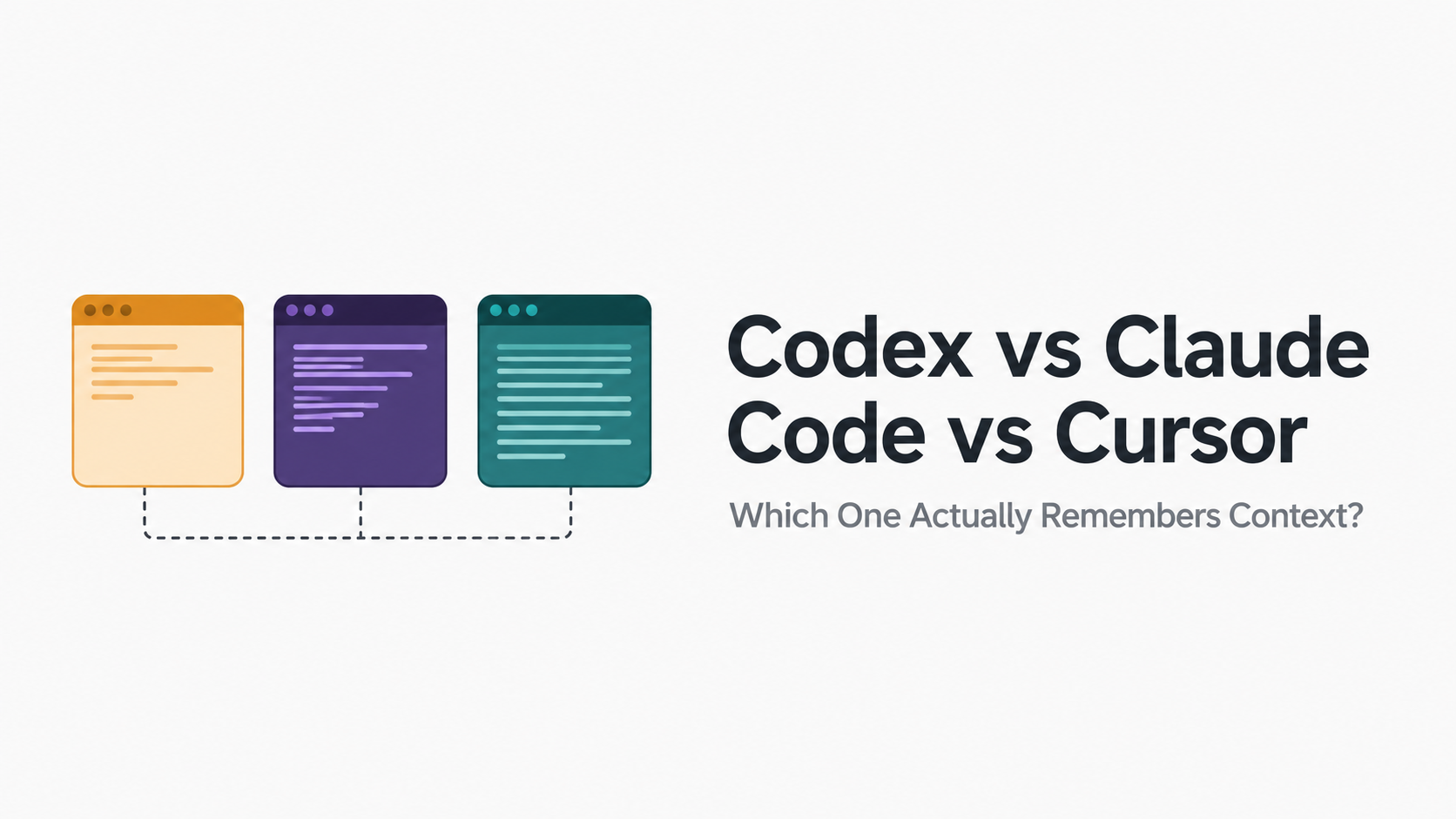
OpenAI Codex vs Claude Code vs Cursor: Which Coding Agent Actually Remembers Context?
Every engineering Slack channel has some version of this argument running right now. Someone asks which AI coding agent the team should standardize on, and within minutes there are three camps, each convinced their tool is obviously the right call. Codex, Claude Code, and Cursor have all converged on roughly the same price point at the top tier in 2026, which strips away the easy "just pick the cheaper one" answer and forces a harder question: which one actually handles context and memory well enough to trust with real, sustained work.
This comes up constantly because it's the thing developers actually feel, not a spec sheet number. A tool that writes correct code but forgets a decision from twenty minutes ago creates more friction than it saves. Here's an honest, detailed look at how each of these three actually handles context, where the real differences are, and where all three, no matter how good they get individually, run into the same fundamental wall.
What each tool actually is
Claude Code is Anthropic's terminal-based coding agent. It runs on Claude's frontier models, currently Opus 4.7 and 4.8 depending on the task, and it's built around reading and reasoning across an entire codebase autonomously, discovering affected files on its own rather than requiring a developer to point it at the right ones manually. It integrates directly with MCP, the Model Context Protocol, giving it access to external tools and data sources beyond the local filesystem.
Cursor is a fork of VS Code built by Anysphere, centered on an agent mode called Composer alongside inline autocomplete. Unlike Claude Code or Codex, Cursor isn't locked to a single model family. It routes between GPT-5.5, Claude Opus 4.8, Gemini, and its own in-house model depending on the task, which makes it function less like one coding agent and more like a cockpit for several of them at once.
Codex is OpenAI's agentic coding product, built around GPT-5.5 and specialized checkpoints tuned specifically for coding tasks. It runs both locally in a terminal and remotely in sandboxed cloud environments, and its defining 2026 feature is the ability to run multi-day automations, tasks that span hours or days without supervision, picking back up across sessions rather than needing to be re-launched from scratch each time.
The context window numbers, and why they only tell part of the story
On paper, the raw context window sizes differ meaningfully. Claude Code offers up to a 1 million token context window on its higher tiers, among the largest available in any coding agent right now. Codex defaults to a 400,000 token window under GPT-5.5. Cursor doesn't have one fixed number, since it routes across multiple underlying models with different native windows, but independent developer benchmarks have found it notably less efficient with the context it has. One widely discussed community benchmark found Cursor consuming roughly 188,000 tokens for a task that Claude Code completed using around 33,000, largely because Composer requires more manual file-pointing rather than automatically discovering only what's relevant.
Here's the thing worth sitting with, though. A bigger context window is not the same as a tool that actually remembers what matters. We've covered this in detail before: model performance degrades well before a context window is technically full, a phenomenon increasingly referred to as context rot. Claude Code's million-token ceiling is genuinely impressive, but a developer running a long session inside it can still watch the agent lose the thread of an earlier decision buried under thousands of tokens of accumulated file reads and tool output, the exact same failure mode we've documented across every major coding agent, regardless of brand.
So the real question isn't which tool has the biggest number on a spec sheet. It's which one actually uses what it has efficiently, and, more importantly, what happens the moment a session ends.
How Claude Code handles context in practice
Claude Code's strength is its automatic, recursive file discovery. Rather than a developer manually specifying which files matter for a given task, it reads and reasons across the codebase itself, deciding what's relevant as it goes. Combined with its large context window, this makes it genuinely strong for full-codebase analysis, architectural changes, and autonomous multi-step refactors that touch many files at once.
Where it runs into the same wall as every other tool on this list: once a session ends, that accumulated understanding doesn't automatically carry forward into the next one. Developers commonly work around this with project instruction files like CLAUDE.md, essentially a manually maintained memory layer sitting outside the model's actual context, which we've covered in depth separately. It works, but it's still the developer doing the job of remembering, not the tool doing it natively.
How Cursor handles context in practice
Cursor's model-routing flexibility is a genuine strength for teams that don't want to commit to a single provider, and its inline autocomplete and visual, in-IDE experience make it the strongest pick for active, moment-to-moment coding rather than long autonomous runs. But the context efficiency data is hard to ignore. Needing roughly six times the tokens Claude Code uses for a comparable task means Cursor's version of "remembering" what's relevant in a session is doing meaningfully more work, and burning more budget, to hold the same amount of useful information. Composer also requires more explicit guidance about which files to touch, rather than discovering that relevance on its own, which shifts more of the context-management burden onto the developer directly.
Cursor also has no persistent memory across sessions any more than the other two. Each new chat or Composer session starts without direct access to what happened in a previous one, unless a developer has built something external to bridge that gap themselves.
How Codex handles context in practice, and what "persistent memory" actually means here
Codex's headline feature in 2026 is genuinely different from the other two: multi-day automations that can run for hours or days and pick back up across sessions without a developer needing to manually restart or re-explain the task. On the surface, this sounds like it directly solves the memory problem the other tools have.
It's worth being precise about what this actually is, though, because the distinction matters a lot if you're evaluating these tools specifically on memory. What Codex offers here is persistent execution of a single, ongoing task, not general, cross-project recall the way a genuine long-term memory system would work. If Codex is working through a multi-day background job, it can resume that specific job correctly. That's a real, useful capability. But it's conceptually closer to the checkpointing we've discussed with frameworks like LangGraph, durable state for one bounded thread of work, than it is to a system that remembers a user's preferences, past decisions, or project history broadly across unrelated future sessions. Once that specific task finishes, there's no indication the accumulated context from it becomes something a future, different task automatically draws on.
So which one actually remembers context?
Here's the honest answer, and it's not the one any of these three companies puts on their pricing page: none of them solve this completely, because none of them were built to. Claude Code has the biggest raw window and the smartest automatic file discovery within a session. Codex has the most sophisticated handling of long-running, resumable tasks. Cursor has the most flexible model access and the best real-time, in-editor feel. All three still hit the same wall the moment you ask a different question: does the agent remember what it learned about your codebase, your conventions, your past decisions, three weeks from now, in a completely different session, on a completely different task.
None of them do, natively. And that gap isn't a minor rough edge, it's the single most common complaint developers have once they move past the "wow, it wrote working code" phase and start using these tools daily, for months, on the same real projects. Every session effectively starts over. Every CLAUDE.md file, every re-explained convention, every "remember, we decided not to use that pattern" is a developer manually doing the job that a real memory layer should be doing automatically.
What actually closes this gap
This is precisely the problem Contivon is built to solve, and it's worth understanding why a dedicated memory layer matters here specifically, not as an afterthought, but as the missing piece none of these three coding agents currently provide on their own.
Think about what actually happens without it. A developer spends an afternoon walking Claude Code through a tricky architectural decision, why a particular caching strategy was rejected, what the actual constraints were. That reasoning is gone the moment the session ends. Three weeks later, a different developer, or the same one on a fresh session, proposes the exact rejected approach again, because nothing in the system remembered it was already ruled out. Multiply that across a team, across months, and the cost isn't small. It's repeated debugging, repeated architectural debates already had once, and repeated onboarding of context that should have persisted the first time.
Contivon sits alongside these coding agents rather than replacing what they already do well. It gives them the layer none of the three currently have natively: structured, attributable memory that persists across sessions, projects, and even across different developers working on the same codebase. Instead of an agent starting cold every single time, or relying entirely on a manually maintained instructions file that someone has to remember to update, Contivon retrieves the relevant history automatically, what was decided, what was tried and rejected, what the standing conventions actually are, and surfaces exactly that, without flooding the agent's context window with everything that's ever happened on the project.
Paired with Atlas, our reasoning engine, this becomes something genuinely different from what any of these three tools offer alone: an agent that doesn't just have a big context window or clever session checkpointing, but one that actually remembers your codebase the way a senior engineer who's been on the project for a year would, carrying real, accumulated understanding forward instead of relearning it from scratch every morning.
Pricing, since it factors into the real decision too
All three have converged on roughly the same ceiling: $200 a month for their top individual tier, arrived at from three completely different directions. Codex ships inside ChatGPT Plus, Pro, Business, and Enterprise plans, with a metered API track available separately, and its top tier unlocks the full multi-day automation capability. Claude Code's higher tiers unlock the larger context window and the deepest multi-file autonomous work. Cursor's entry point is considerably cheaper at $20 a month for Pro, with unlimited completions and a set allotment of premium model requests, scaling up to $40 for Teams with shared rules and prompts, making it the more accessible starting point for individual developers or small teams not ready to commit to the higher-tier pricing the other two require for their full capability.
This matters for the memory question too, in a roundabout way. A team spread across multiple pricing tiers and multiple tools, which is increasingly the norm rather than the exception, ends up with context and decisions scattered across whichever tool happened to be used for a given task, with no single system holding the full picture. Pricing tier doesn't fix that. Only a memory layer that sits underneath all of them does.
A concrete scenario worth sitting with
Picture a team of four engineers, using a mix of Cursor for daily feature work and Claude Code for the deeper architectural changes, which is exactly the kind of split usage pattern that's become standard in 2026. In week one, one engineer works through a genuinely hard decision with Claude Code: why a particular database sharding approach won't work for their access patterns, and what the actual constraint is that rules it out. That reasoning lives entirely inside that one Claude Code session.
In week six, a different engineer, working in Cursor on a related feature, proposes exactly that sharding approach, because nothing in their tool had any way of knowing it was already ruled out five weeks earlier in a completely different session on a completely different tool. The team spends an afternoon rediscovering a conclusion they'd already reached. Multiply this across a team working for a year, across dozens of architectural decisions, naming conventions, and rejected approaches, and the cost stops being an occasional annoyance and starts being a real, ongoing tax on how fast the team can actually move.
This is the exact scenario a shared memory layer is built to prevent. It works alongside Cursor and Claude Code rather than replacing either, giving every session, regardless of which tool it happens to run in, access to the same accumulated understanding of the project. The sharding decision gets surfaced automatically the moment it becomes relevant again, regardless of which engineer, on which tool, encounters it next.
If you're picking a primary tool today, the honest breakdown still holds. Cursor fits interactive, everyday feature work where you want a visual editor and model flexibility. Claude Code fits deep, autonomous multi-file work where you want the largest context and the least manual file-pointing. Codex fits long-running, background automation where a task needs to keep running and resuming without supervision for hours or days.
Most high-velocity teams in 2026 aren't picking just one. They're using two or three of these for different parts of the day, and increasingly, pairing whichever combination they choose with a memory layer that sits underneath all of them, so the context and decisions built up in a Cursor session aren't invisible to the Claude Code session that picks up the same feature the next morning.
The bottom line
Codex, Claude Code, and Cursor each solve a real, different part of the coding workflow well, and the "which is best" framing misses that they're not actually interchangeable. But on the specific question of memory, genuinely remembering what happened last week, last month, on a different task, in a different session, all three currently leave the same gap. Closing it isn't about picking a fourth coding agent. It's about giving whichever agents you already use a real memory layer underneath them.
Want to see what a coding agent looks like when it actually remembers your codebase across sessions, not just within one? Explore Contivon and Atlas at prolixislabs.com.